Free UK delivery over £50 · Two-year Pi-Cables warranty

What the numbers on a cable actually mean.

Four different things travel down the same piece of wire.

Every cable has a separate ceiling for each of them, and the connector on the end tells you nothing about where those ceilings sit. This is the part shops leave out.

Power

Charge a 16-inch laptop properly, not overnight.

Power Delivery 3.1 raised the ceiling to 240W. Most cables in a drawer stop at 60W and there is nothing printed on them to say so.

Up to 240W

Data

Move a 10GB file in seconds.

Thunderbolt 4 and USB4 carry 40Gbps. A charge-only cable with the same connector carries 480Mbps — roughly eighty times slower.

Up to 40Gbps

Video

Get the resolution you already paid for.

Driving a monitor over USB-C needs DisplayPort Alt Mode. Without it the screen either stays black or quietly drops to a lower refresh rate.

8K/60 · 4K/120

Audio

Digital audio, straight through.
Sent as data rather than re-converted in an adapter, so nothing is added, compressed or lost between the phone and the amplifier.

24-bit / 192kHz

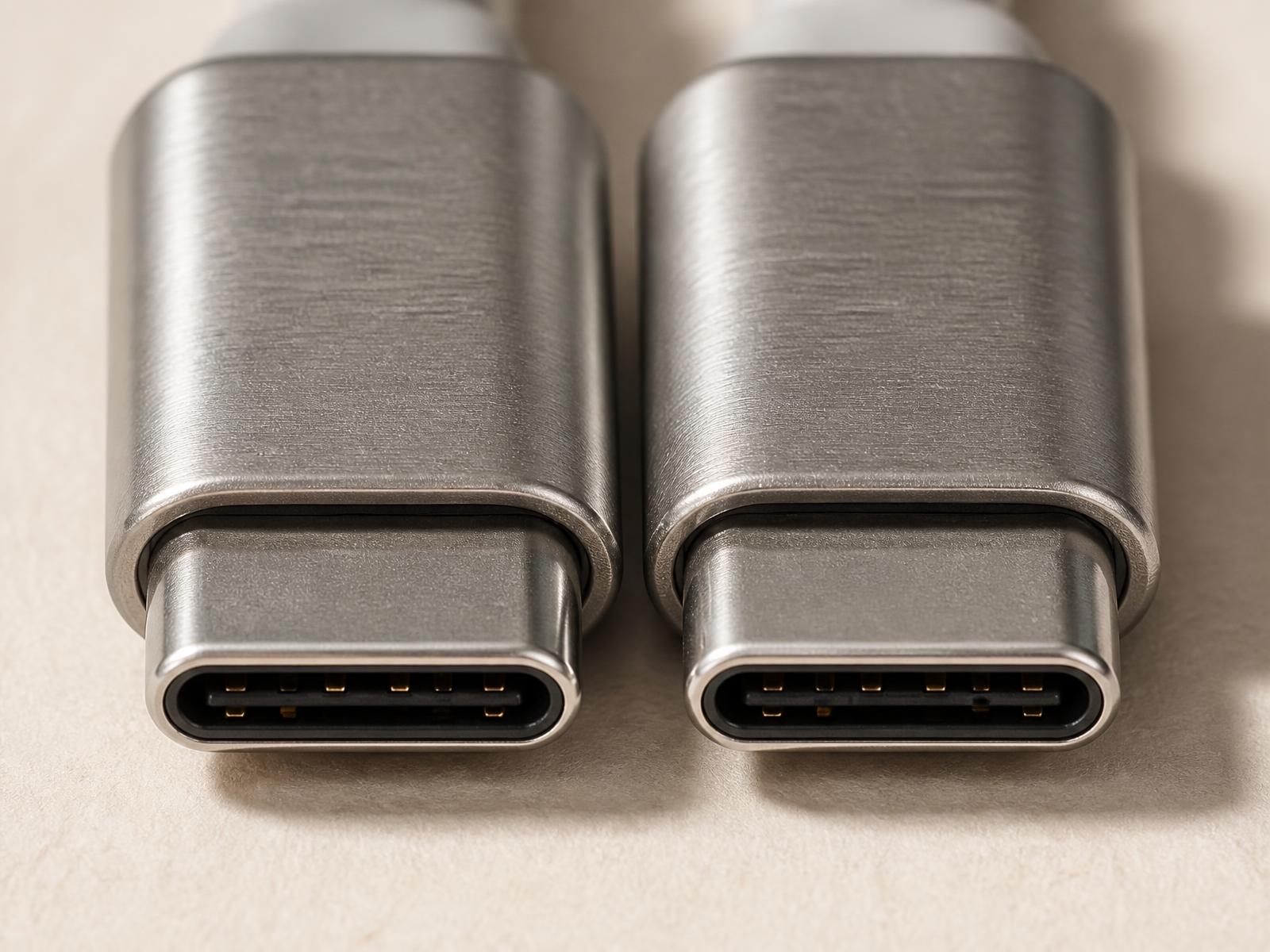
Two nearly identical USB-C connectors side by side

Two cables. Same connector. Very different results.

The plug fitting the socket is the only thing you can tell by looking.

Two USB-C cables can look almost identical while supporting completely different charging, video and data capabilities. Pi-Cables makes the difference easier to understand.

What the specs actually mean →